Halo: Campaign Evolved early adopters were unable to play the game on Steam as it kept forcing them to look at the art book instead
About
Overview
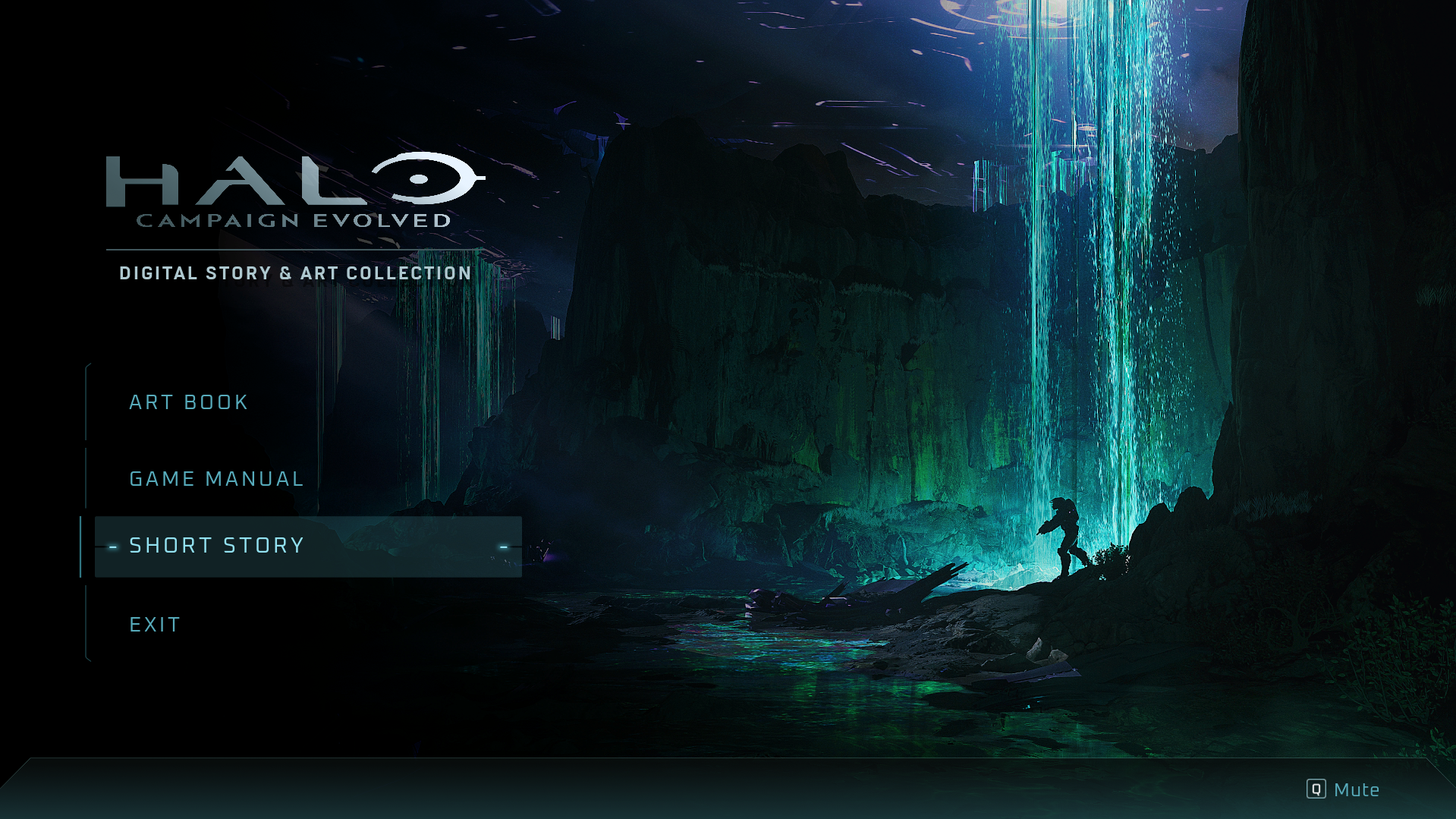
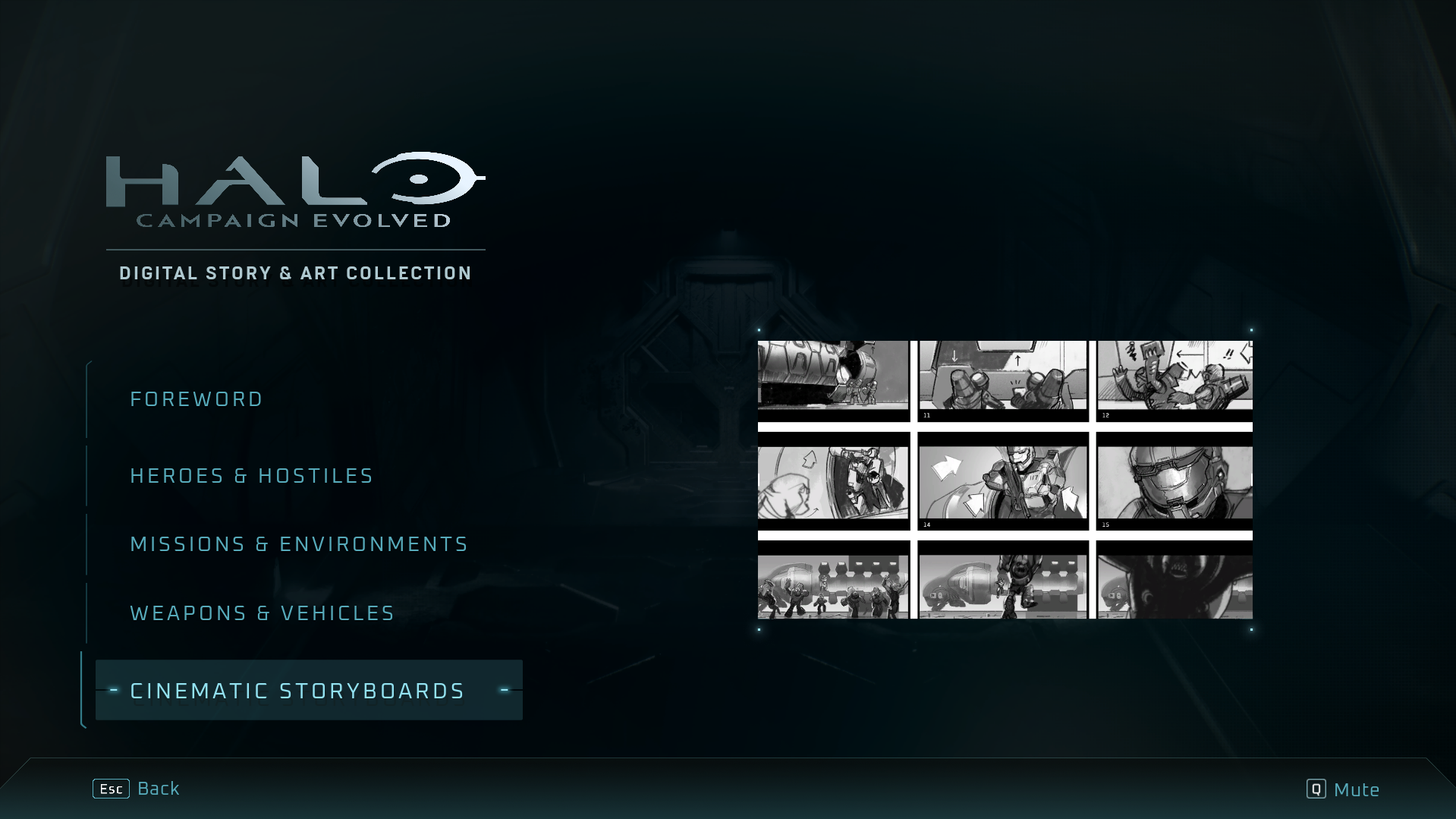
On its early access launch yesterday, those who paid to get early access to Halo: Campaign Evolved on Steam couldn't seem to open the game, as it simply wouldn't stop opening up the art book instead. I mean, I enjoy a good art book as much as the next guy, but not being able to play the game you bought on the day it launches sounds like a nightmare to me. Luckily, a fix rolled out pretty quickly. Forty minutes after reports came in, a member of the Halo team took to the Discord to report "the Steam Art Book issue should be resolved shortly and will only require a Steam Client restart." Checking in on the Discord, this did seem to go live shortly after, and reports started to slow. However, even then, there was a workaround, which is worth trying next time something like this happens. As pointed out on Reddit, right-clicking on the game, clicking Properties and uninstalling the artbook seemed to get around the problem for users. In fairness, it is a pretty nice art book, and surprisingly involved. It is its own application, coming with the aforementioned art, a game manual, and even a short story. Adding to this, it has music while you scroll. Coming in at a handful of GB, it is an impressive art book. It's just a shame it got in front of people's eyes in one of the worst possible ways. This is not the only problem stopping players from playing Halo: Campaign Evolved. You need to link your Microsoft account in order to actually play the game. This is a problem as it means that just booting it up for the first time requires a connection to a server. As you might be able to guess, that server was having problems yesterday. Still, once you have linked your Microsoft account, you can play the game offline on your PC. It's just a shame how many hoops players are jumping through to play the game they just bought. If you do happen to get stuck into Halo: Campaign Evolved this week, my personal advice is to skip Ultra graphical settings and stick the game on Low. There's very little difference between the two, and you get a healthy performance bump for picking the latter. If you are on a gaming handheld, I'd recommend playing the game on Very Low (a handheld exclusive mode) with FSR Medium, as even the mighty Asus ROG Xbox Ally X can't handheld the game very well on Native. Finally, and this is evergreen advice, turn off motion blur. It's particularly egregious in Halo: Campaign Evolved. Only took 40 minutes but they’re looking into the issue now from r/halo
Details
Source
Originally published at www.pcgamer.com.
Related Articles
- We now have independent testing confirming Razer's latest innovative mouse sensor tech does what it says it does
- Is Intel back? Company's latest earnings report remarkably different in tone to 12 months ago
- You have 3 days to obtain Big Boss rating in Metal Gear Solid 1's free-to-play period on Steam