KTC 25M1 review
About
Overview
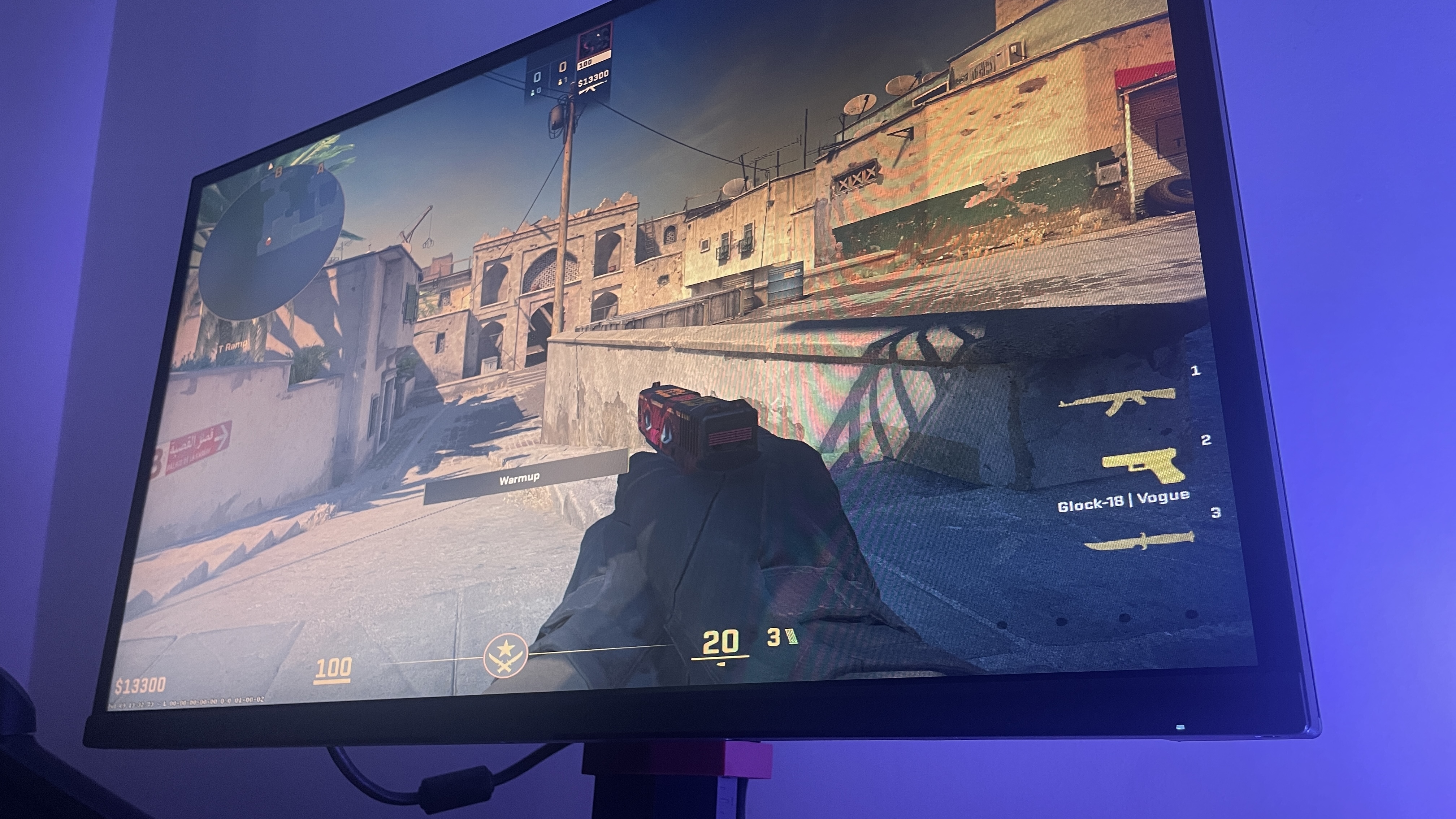
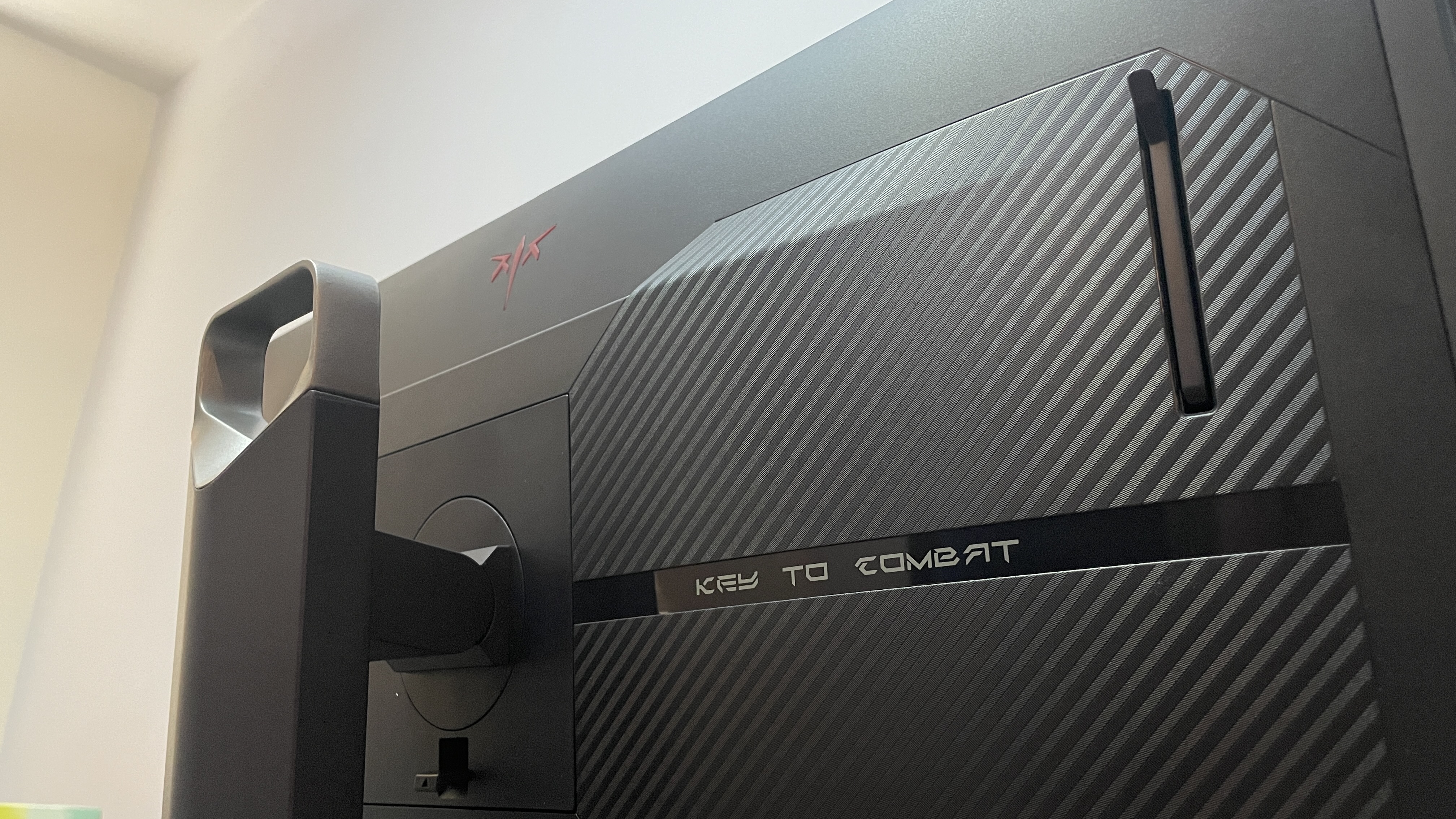
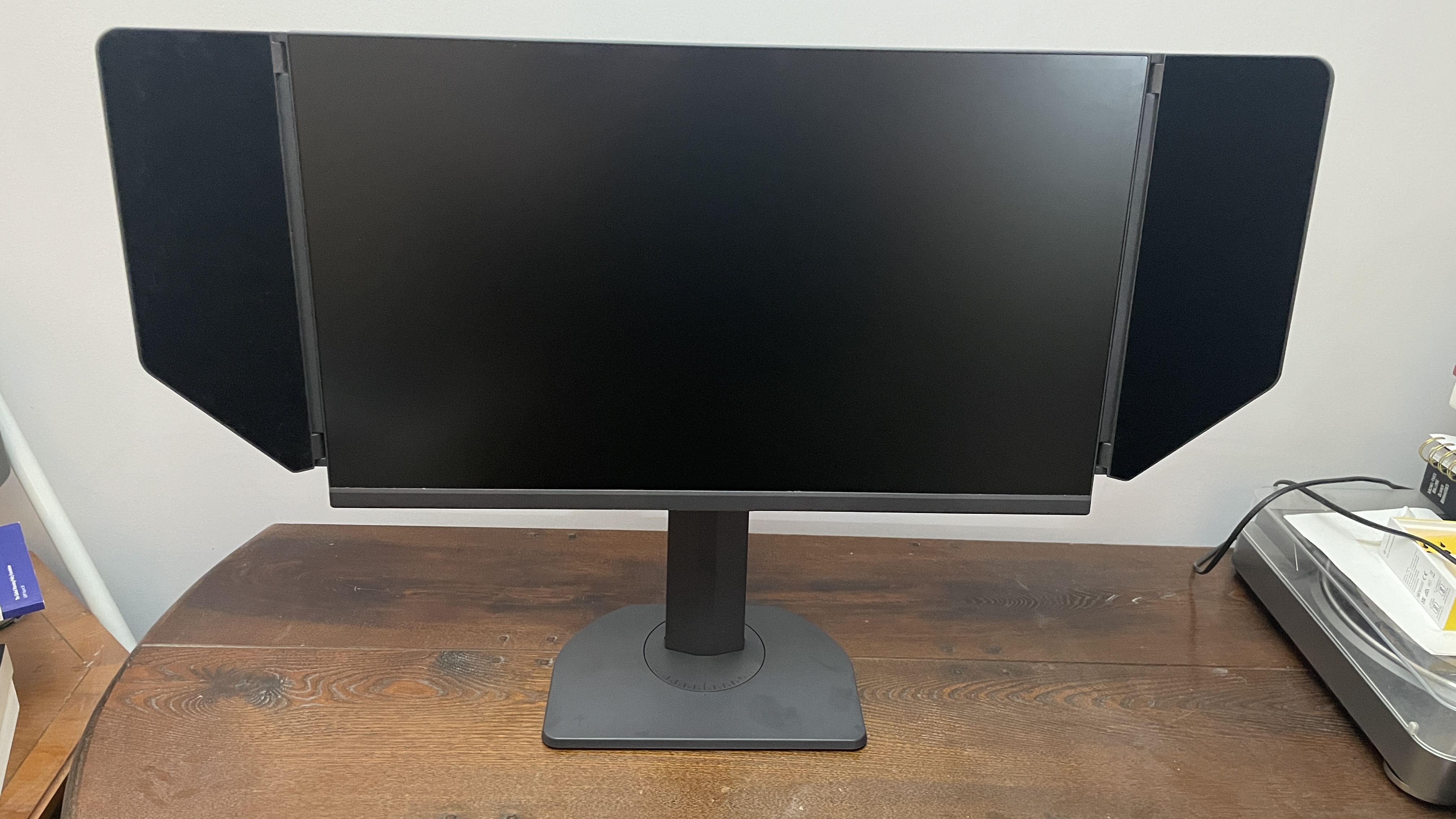
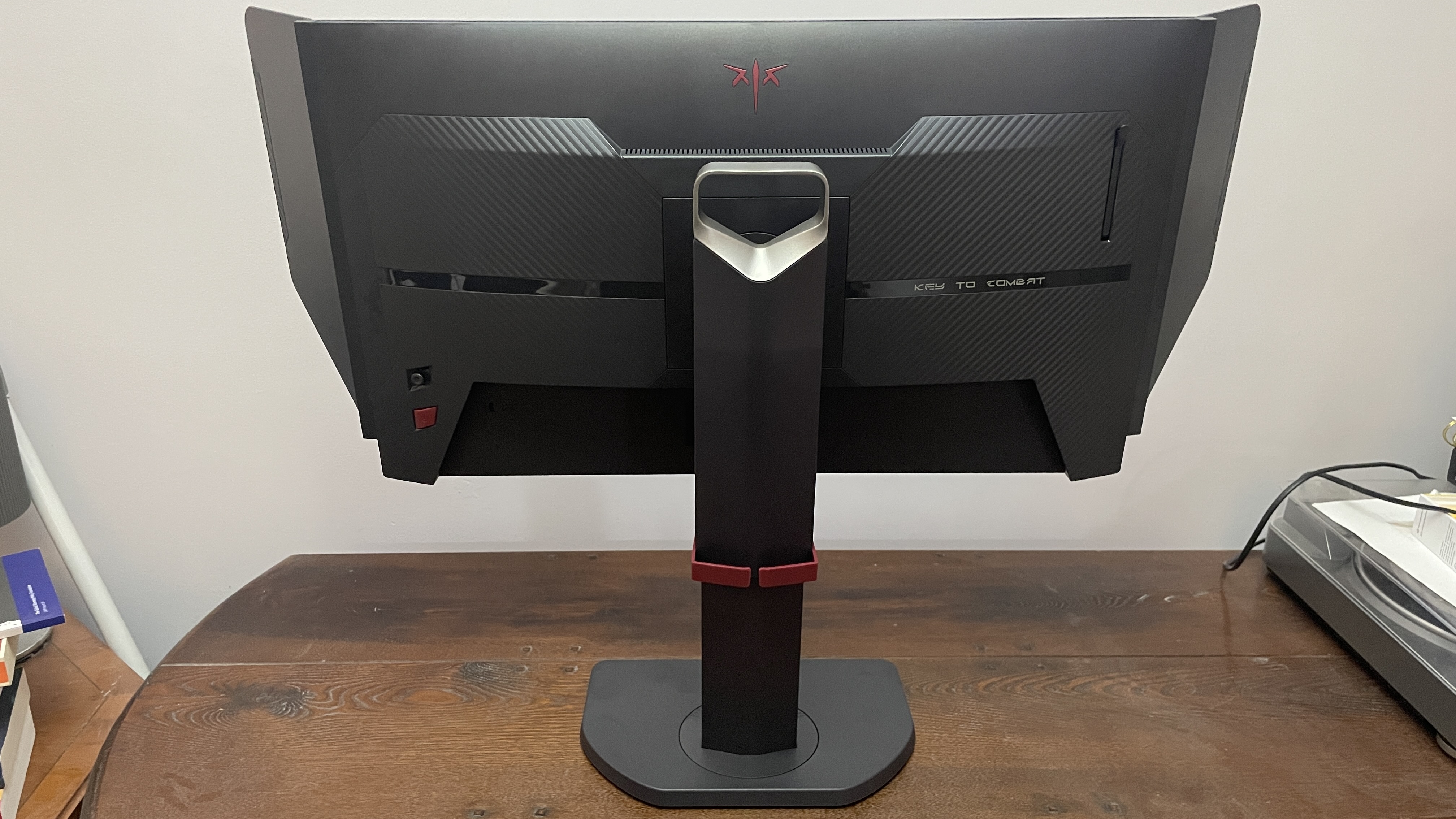
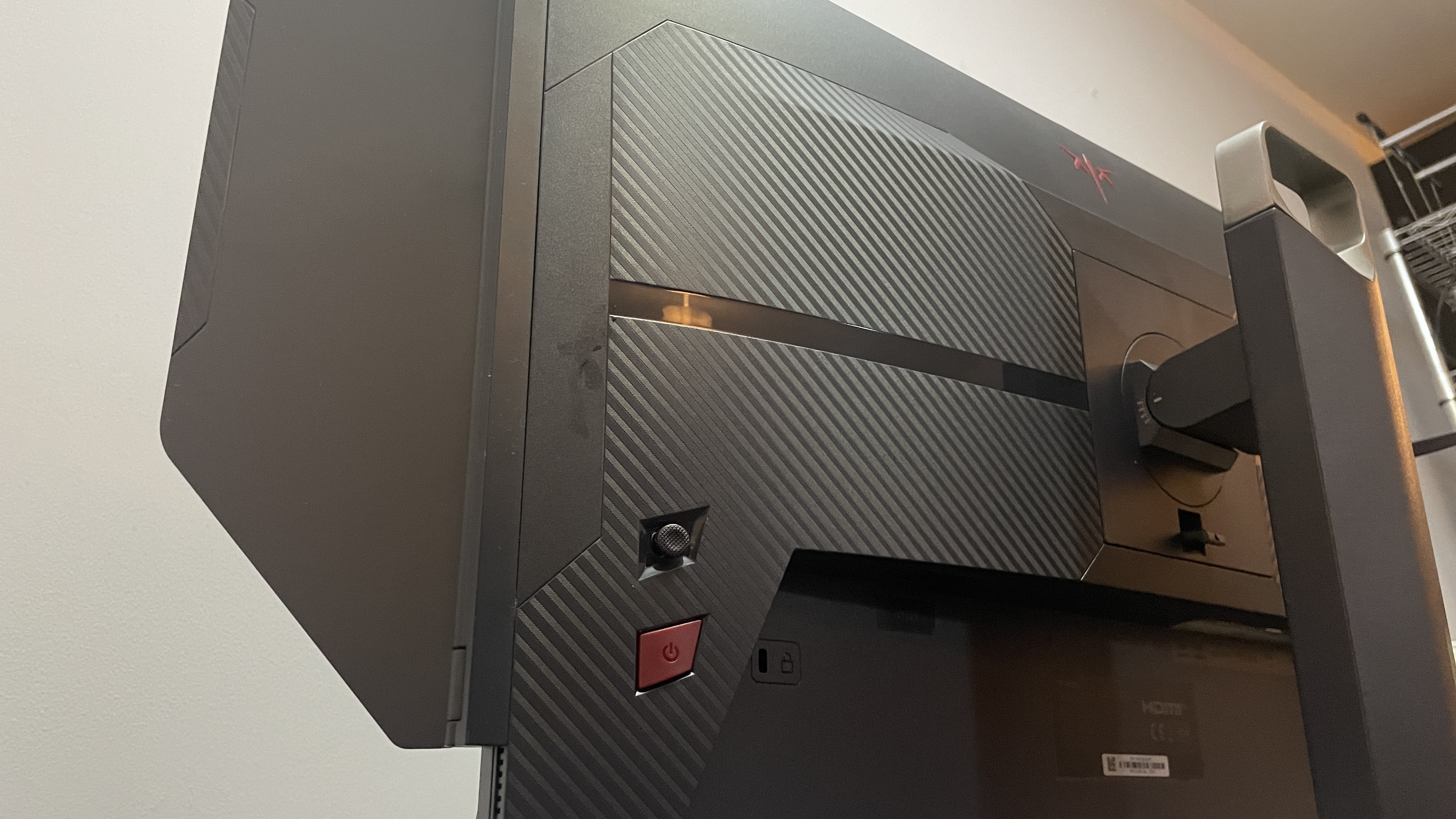
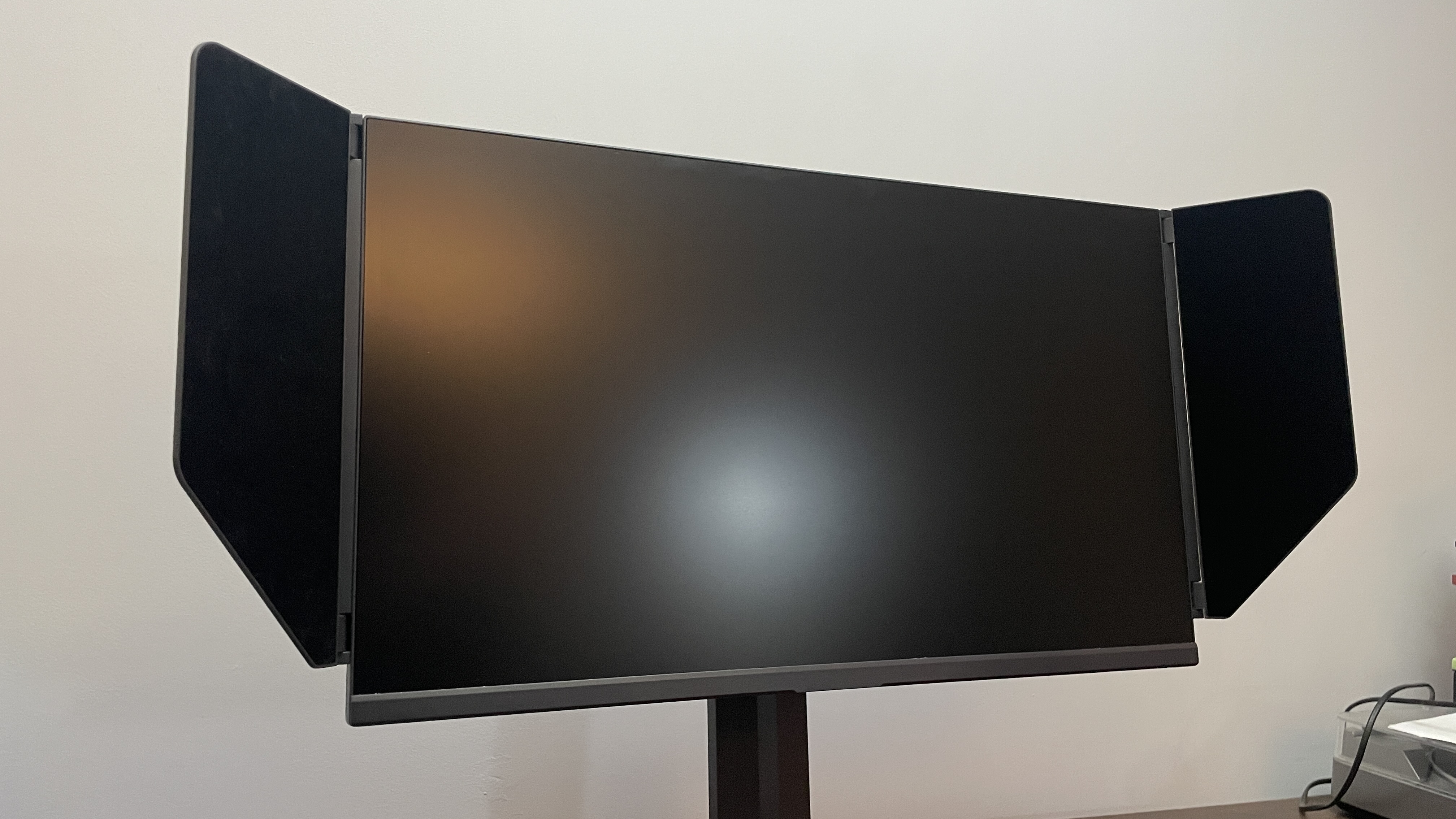
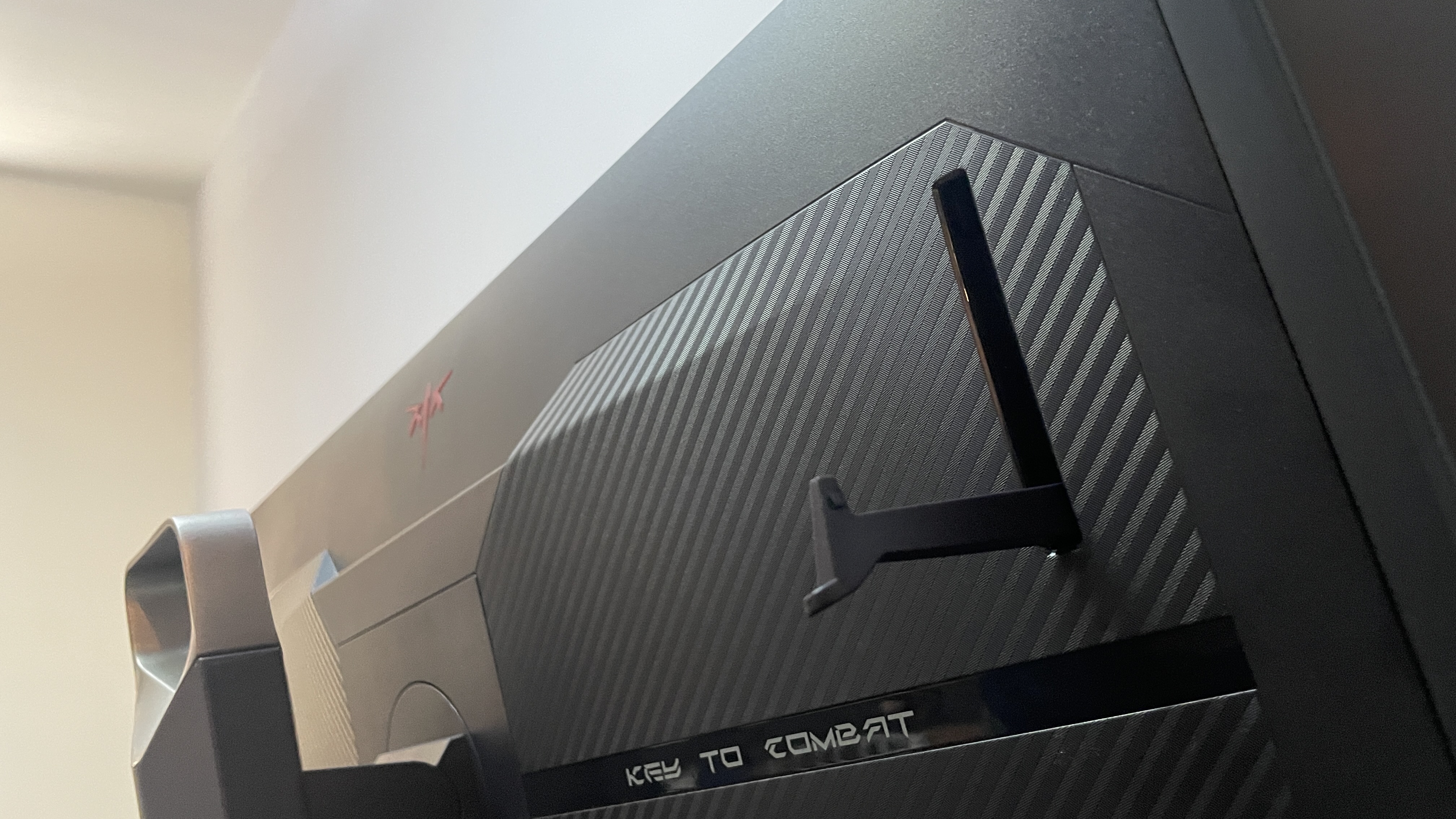
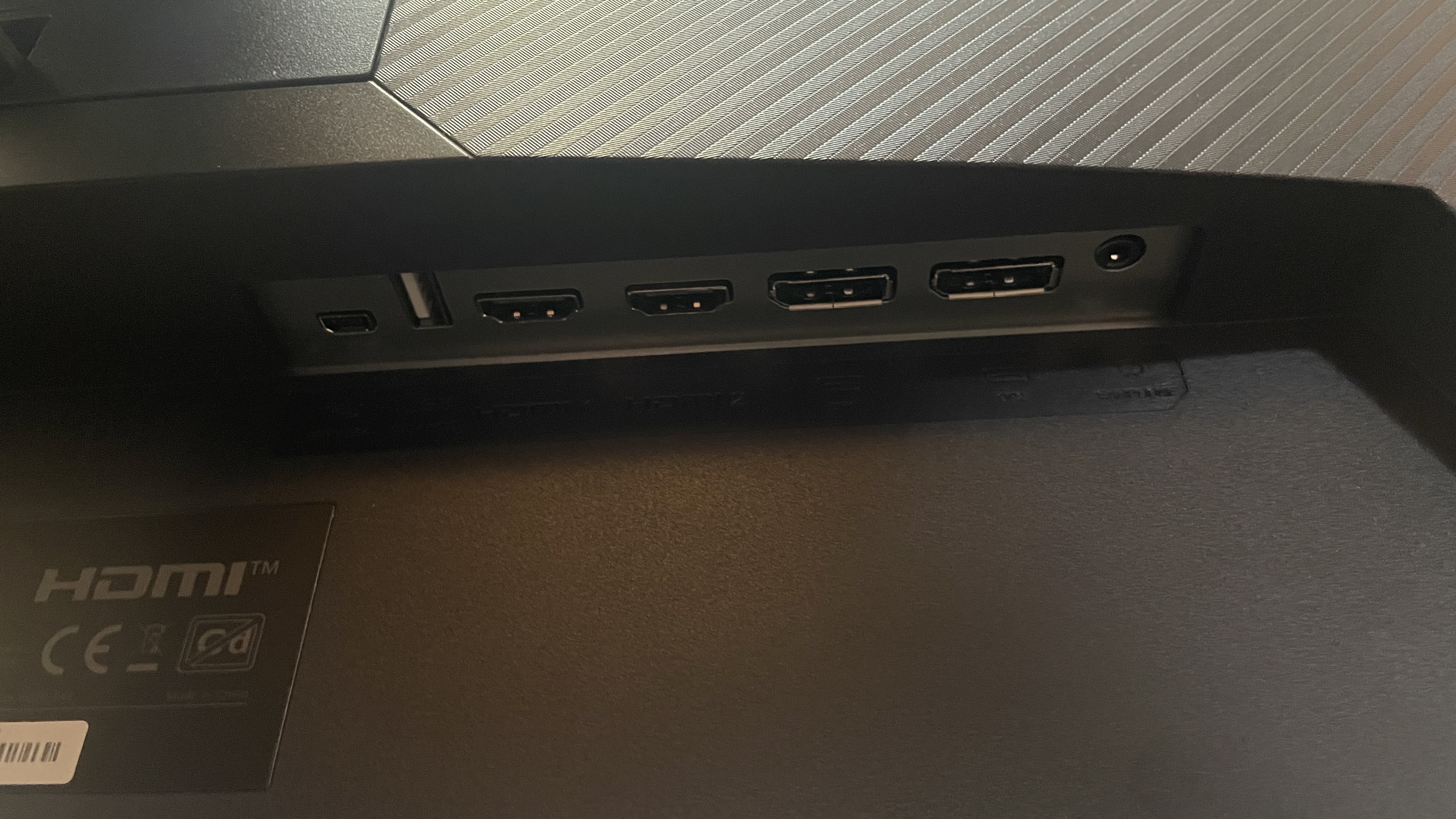
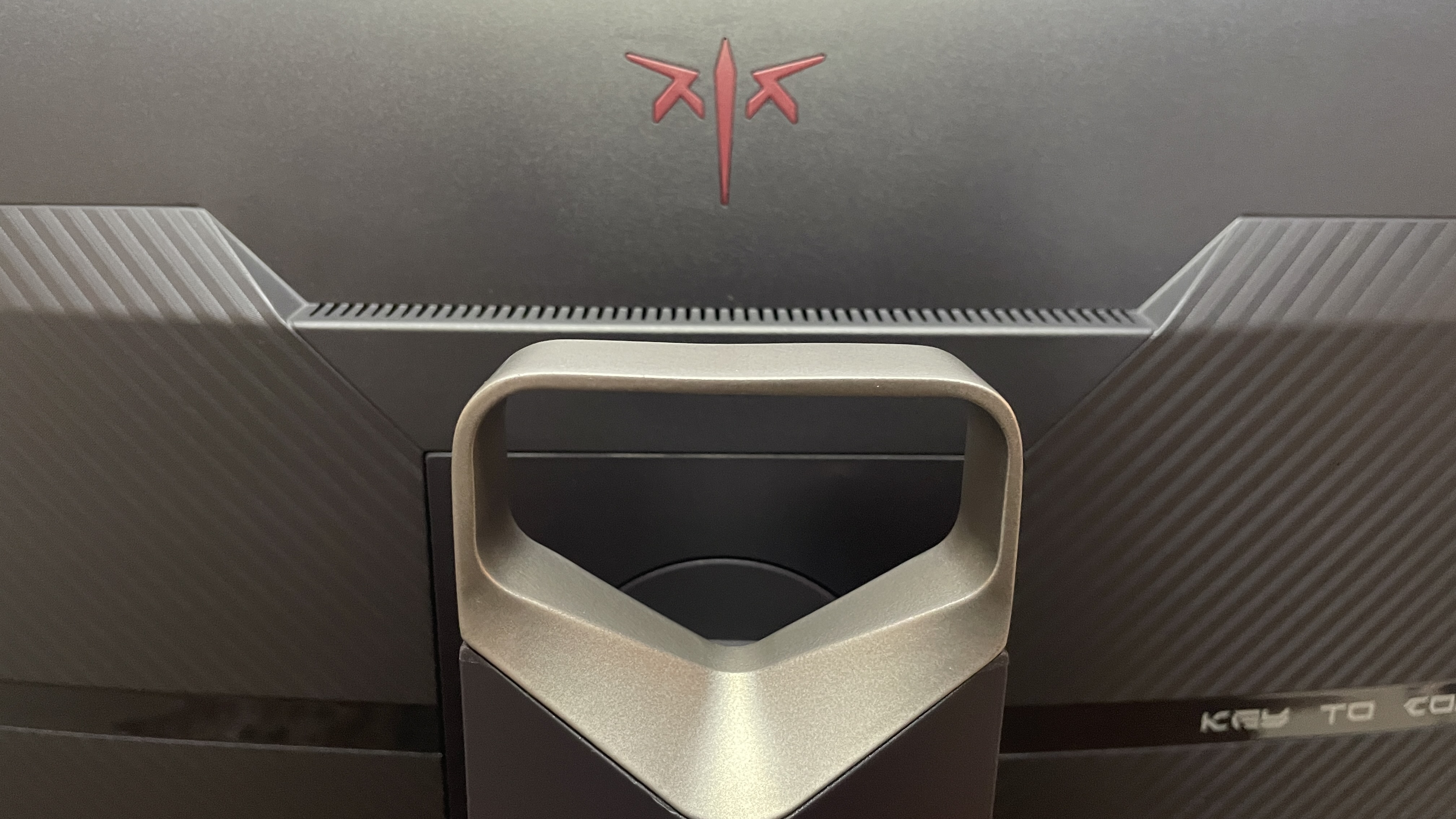
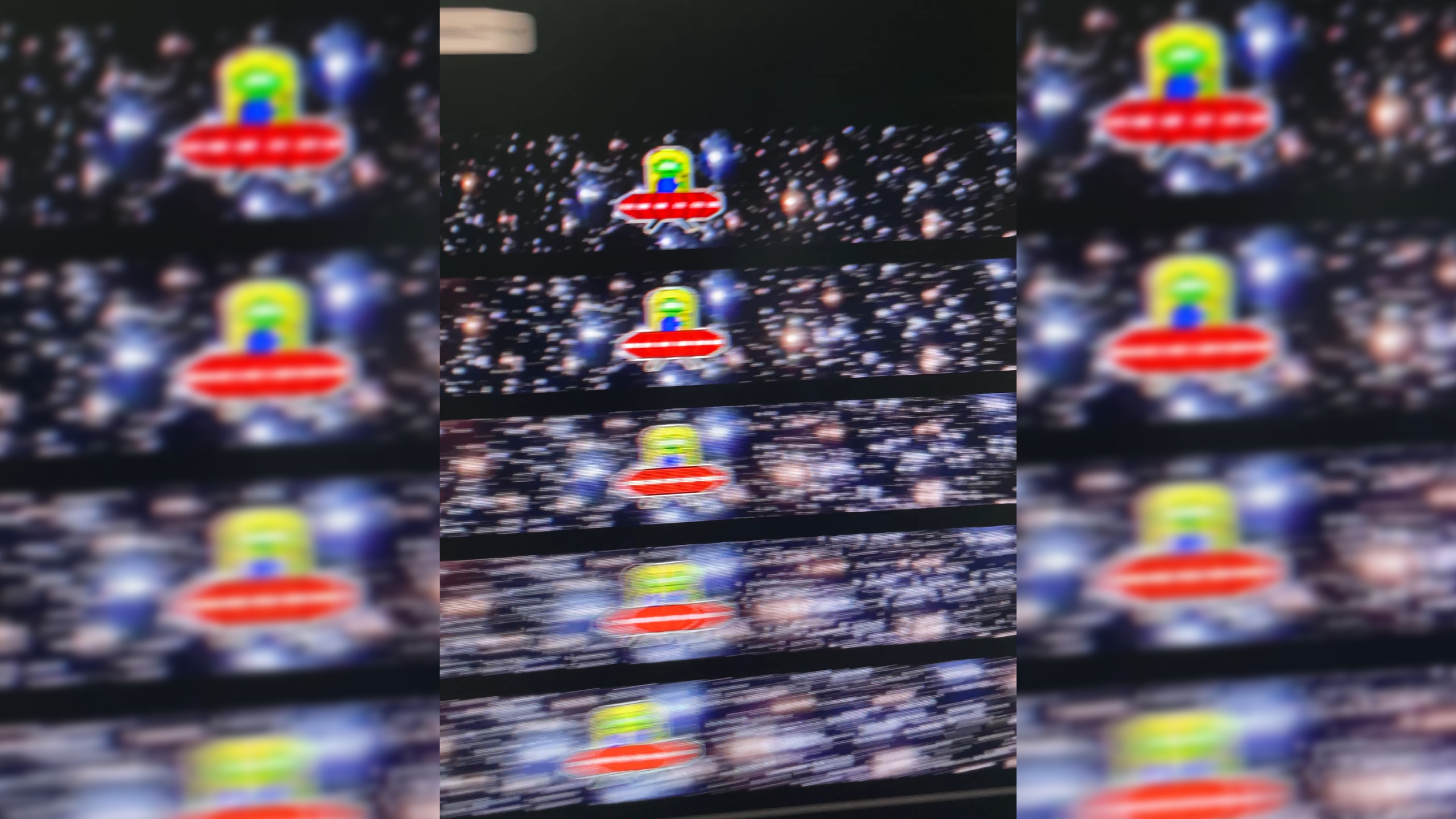
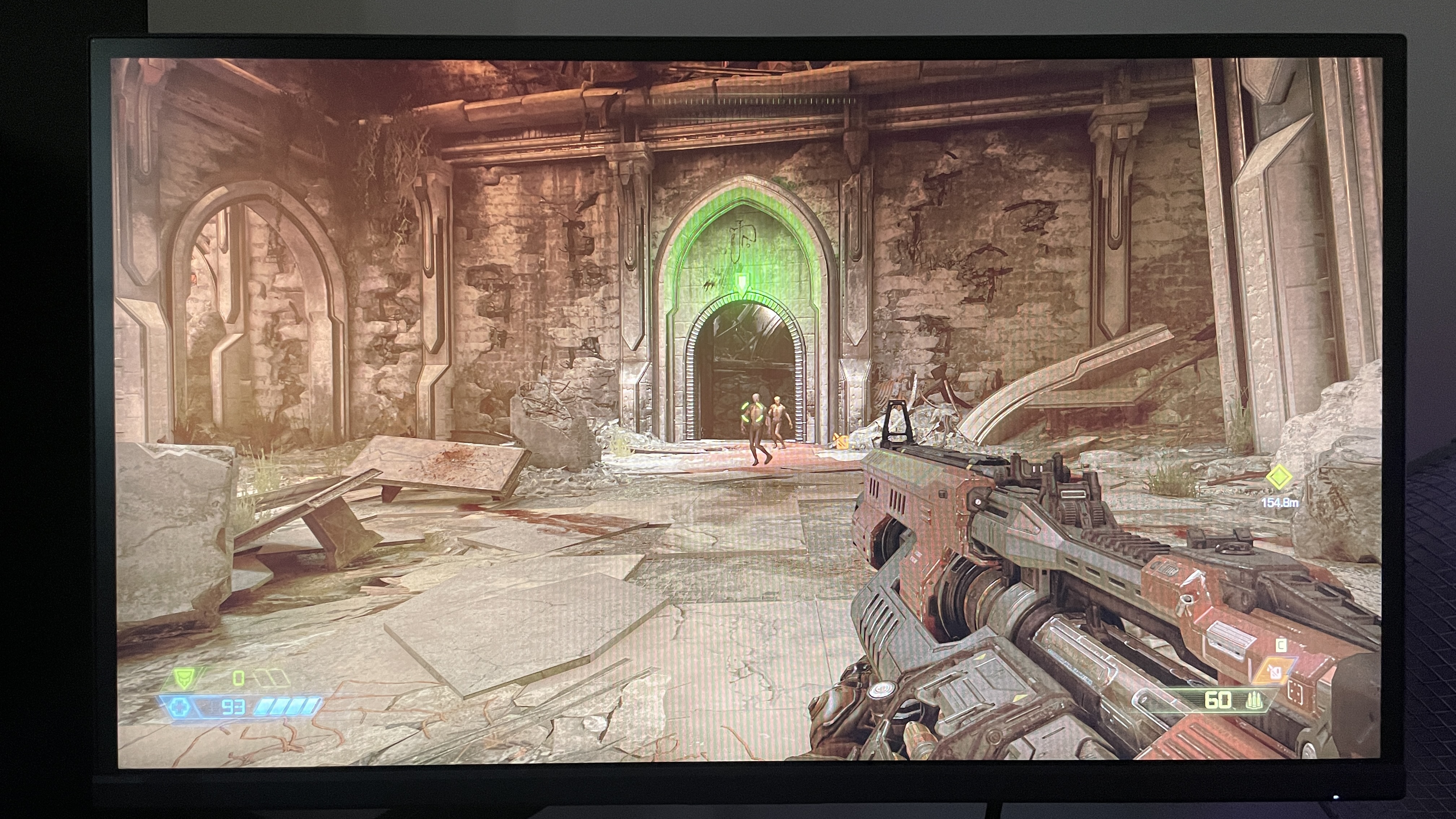
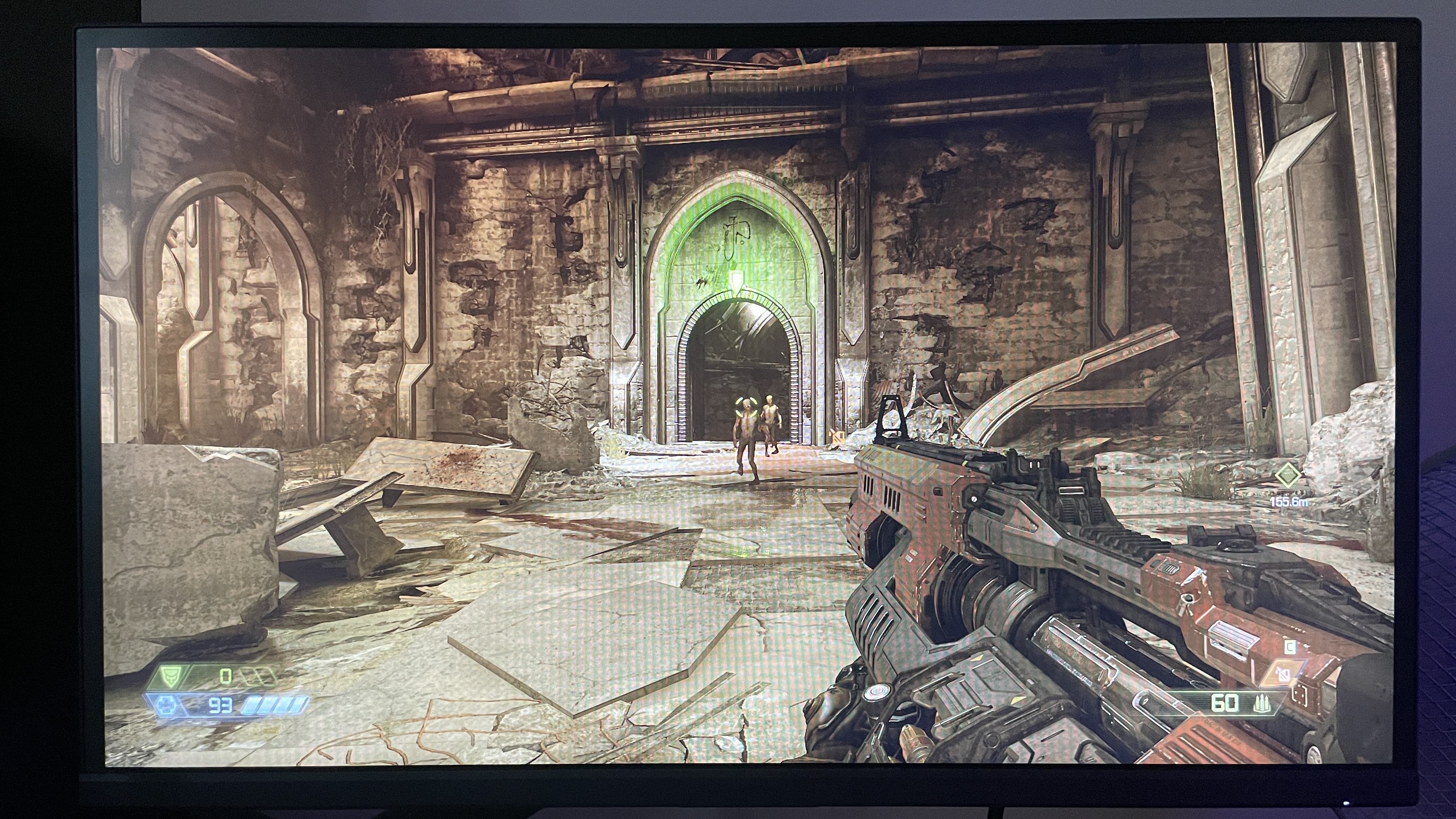
This is the monitor I've been waiting for. As someone who has just entered another Counter-Strike arc that is sure to last an epoch, as my arcs tend to, I've been on the look-out for a 1080p monitor around the 360 Hz (ish) sweet spot that doesn't break the bank. Enter stage left: the KTC 25M1, at just $350. And I've already seen it on sale for under $300, which bodes well. Of course, this price-to-refresh-rate ratio wouldn't matter if the monitor sucked, but I'm happy to report it doesn't. Far from it, I'm finding it a genuine pleasure to use for my late night Faceit matchmaking sprees. In what is proving to be both a blessing and a curse, gameplay is so smooth, clear, and snappy that I find it impossible to blame any blunders on the panel. Even if I could convince myself my opponents are using the $1,000, 600 Hz Zowie panel I recently tested, it wouldn't matter because the difference in practice is so slight that I highly doubt it would actually make my enemies any better. The 24-inch, 1080p monitor, clad with detachable flappy side-wings (to prevent distraction), rear-side headphone stand, cable management feed, and the usual smattering of ports including a 3.5 mm headphone jack, is bred for one purpose: competitive shooters. Screen size 24.1-inch Resolution 1920 x 1080 Brightness 350 nits Refresh rate 400 Hz Response time 0.5 ms in OD (GTG & MPRT) HDR HDR10 + sRGB Features TN panel, adaptive sync, HDMI 2.0, DisplayPort 1.4, detachable side shields, control puck, USB-A (for firmware), Micro-USB (remote control), 3.5 mm headphone port, flip-down headphone stand Price ✅ You play competitive shooters: If you play games like Valorant or CS2, you should benefit from the great motion clarity and fast refresh rate, without having to spend a ridiculous amount of cash. ❌ You play other kinds of game a lot: The 1080p resolution and TN panel really isn't bad here thanks to the smaller screen size and colour calibration, but it won't hold a candle to a great IPS or vibrant OLED for more casual gaming or watching movies. No matter how fast it is, you're probably not getting a TN panel for casual gaming or even competitive non-FPS gaming. Even though this panel's colour is damn good for TN, it's not as lush as an IPS and certainly not as vibrant as an OLED. While it offers a solid 98% sRGB coverage, its DCI-P3 is only rated to 85%, meaning its HDR content is average at best, which is what I'd expect from a TN panel. That fits for my experience turning HDR on in Doom Eternal and eyeballing it: lighting seems a little more natural, but it's hardly night and day between that and sRGB mode. The sRGB mode thankfully seems pretty well calibrated to my eyes. In addition to making casual gaming pleasant, this makes day-to-day use outside of gaming surprisingly comfortable, too—surprising, that is, for a TN panel. HDR, though, is certainly not as good as what you get on the 320 Hz Alienware IPS panel I tested. Still, that was an IPS, not a TN. And more expensive esports TN panels like the 600 Hz Zowie one don't have it as an option at all. For this monitor's real purpose, though, HDR is irrelevant. Sticking it in FPS1 mode but raising brightness a little, Counter-Strike displays flawlessly: enemies are clear and easy to spot, and movements are incredibly smooth. I used an Nvidia Latency and Display Analysis Tool (LDAT) to test end-to-end latency—thus indirectly testing the response time—and it reported an average of 6.42 ms in-game over 150 muzzle flashes. That's well within a threshold where shooting feels and appears instantaneous to my eyes. It's even quicker than the 600 Hz Zowie panel (6.81 ms), and only a little slower than the 320 Hz Alienware one with overdrive on (6.09 ms). These differences are all sub-millisecond, though, meaning they're imperceptible and for all intents and purposes we can say they perform about as well as each other when it comes to response times. I certainly didn't notice any difference in snappiness between the three when playing Counter-Strike. For whatever reason, with this KTC monitor, I can't seem to find a mode that allows me to enable its 'Ultra Fast' overdrive, the fastest setting. But that's okay, because the middle 'Advanced' setting is snappy enough, and it's usually inadvisable to use the fastest overdrive mode in monitors anyway, as it risks inverse ghosting/halo effects. With the Advanced mode enabled, I haven't noticed any pixel overshoot. Motion clarity is impeccable to my eyes, too, thanks to that 400 Hz refresh rate. As you can see from my slapdash moving photo of an also-moving UFO test, the high refresh rate really does make a difference. The top animation shown was running at 400 fps, the second at 200, the third at 100, the fourth at 50, and the bottom one at 25. This difference is visible when eyeballing the moving alien targets, too: 400 Hz is just that much clearer than the rest. Admittedly, playing at 240 Hz in game will still be plenty clear, but this is just another example that goes to show what I've argued previously: around 360 Hz (or 400 Hz, in this case) is the sweet spot for competitive gaming. To my memory, this monitor is also a bit clearer than I found the 320 Hz Alienware monitor to be when I tested it. I simply can't fault it for smoothness and snappiness. The bonus here is you're getting the 360–400 Hz sweet spot for a damn good price. The 400 Hz Zowie equivalent costs $650, while this KTC monitor costs about $350 and can even be found for just shy of $300 when it's on sale. The 320 Hz Alienware monitor comes in cheaper than this, but honestly for the extra refresh rate and motion clarity boost, I'd say the KTC is worth it if you can afford it. If not, the Alienware will serve well. With the KTC 25M1, you're hitting the refresh rate sweet spot just before diminishing returns kick in, which means you're getting some of the absolute best competitive/esports performance you can hope for before prices start to soar. I feel KTC has struck the balance very well, keeping the price as low as possible for the performance on offer, and keeping things within a budget that doesn't only cater to pro players but also to your average competitive FPS gamer like yours truly. This would be the monitor I'd choose for competitive FPS gaming right now if my own money were on the line.Details
Latency performance
End-to-end latency
Product Value KTC 25M1 6.42 Alienware AW2525HM 6.09 Zowie XL2586X+ 6.81 
Source
Originally published at www.pcgamer.com.
Related Articles
- Indie developer says Steam did them a solid by fixing their unbootable game to beat the Next Fest deadline
- Valve's Steam Frame launch looks imminent, with new 'Great on Frame' category spotted
- Arc Raiders has targeted yet another duplication exploit just a couple of days after celebrating a drop in suspicious player accounts